How to Brief an AI Video Tool Like You’d Brief a Stylist
November 24, 2026
styling brief is the difference between a video that converts and one that gets scrolled past. Most fashion brands and creators already understand this when briefing a human stylist. They bring references, they specify mood, they explain who the customer is and what moment they are dressing for. Yet when those same teams turn to an AI video tool, they hand over a product photo and hope for the best. The result is predictably generic. The discipline of briefing a stylist translates almost perfectly to briefing an AI, and once you understand the parallel, your output quality improves immediately.
- A strong AI video brief mirrors a styling brief in structure: mood, customer, occasion, visual references and constraints.
- Specificity in every field, from colour palette to movement speed, reduces unusable outputs and lowers cost per usable clip.
- Treat your AI prompts as a living document that you version and refine across campaigns, not a one-off input.
- Brand guardrails, model direction and platform context belong in the brief before generation begins, not after review.
- Reusable brief templates compound over time, making each new campaign faster and more consistent than the last.
Why the Stylist Parallel Works
A stylist cannot read your mind. They work from information you give them: the client’s body, the event, the brand DNA, the budget, the colour story for the season. When information is missing, they make assumptions, and those assumptions may not match your vision. An AI video tool operates on exactly the same principle. The model fills gaps in your input with statistically probable choices. Those choices are competent but they are not your brand.
Designers, creative directors and merchandisers already know how to brief a stylist. The skill exists. What is new is the vocabulary required to translate that skill into a format an AI can act on. Outfit Video is built to respond to that kind of structured creative direction, and the cleaner your input, the sharper your output.
The Five Layers of a Useful Brief
Five layers of information cover almost every decision that will shape the final result, whether you are briefing a stylist or an AI.
- Customer and occasion. Who is wearing this, and where are they going? A workwear capsule worn by a 32-year-old creative director heading into a client meeting needs a completely different visual register than a festival dress worn by a 22-year-old on a Saturday afternoon. State this explicitly.
- Mood and tone. Choose two or three adjectives that describe the feeling the video should produce. Aspirational and effortless is not the same as editorial and high-tension. Your AI tool will interpret tone through movement speed, colour grading, pacing and framing choices, but only if you specify it.
- Visual references. Name the aesthetic: Scandi minimal, 90s New York street, contemporary Parisian. If you have a brand style guide for AI-generated video output, this layer is already documented and can be dropped directly into your brief template.
- Constraints and exclusions. Tell the AI what you do not want as clearly as you tell it what you do. No busy backgrounds. No motion blur on the garment. No accessories that compete with the hero product. Constraints are as creatively important as permissions.
- Platform and format context. A 9:16 Reels hook needs a different opening frame than a 1:1 Pinterest pin or a 16:9 Shorts video. The platform shapes the pacing, the first two seconds and the aspect ratio. Specify this before you generate, not after.
Translating Brief Layers Into Prompt Structure
Once you have your five layers, the next task is converting them into a prompt structure that an AI video tool can parse consistently. The order matters. Lead with the subject and garment, then add the setting and mood, then layer in movement and pacing, then close with exclusions and technical constraints.
A weak prompt reads: “woman in a linen blazer walking.” A strong prompt reads: “30-something professional woman, cream linen oversized blazer over white tee, wide-leg trousers, minimal gold jewellery, walking through a sunlit glass-and-concrete atrium, pace relaxed and confident, warm neutral grade, no distracting background elements, no visible logos on set.”
The difference is not creativity. It is information density. For a detailed breakdown of prompt architecture with worked examples, the guide on prompt writing for AI fashion video covers structure and practical examples across multiple garment categories.

Model and Casting Direction
Briefing a stylist always includes casting direction, even when it is implicit. The stylist knows whether the brand shoots with editorial models, real-size representation or age-diverse talent. Your AI brief needs the same clarity.
Specify body type, approximate age range, skin tone, hair and energy. Consistency matters too. A model who looks the same across fifteen different outfit videos creates a campaign; fifteen unrelated faces create a catalogue. The technique of reusing one virtual model across a campaign for AI face consistency is exactly the kind of casting decision that belongs in your brief template before any generation begins.
Building a Reusable Brief Template
The most efficient creative teams do not write a fresh brief from scratch for every product. They build a master template that captures the brand’s standing decisions, then fill in product-specific variables for each shoot. Styling teams work this way at scale. AI video production should too.
Your template should include fields for: brand tier and customer persona, seasonal colour palette, approved settings and locations, movement and pacing defaults, platform defaults for each channel, model or virtual talent parameters, and a list of standing exclusions. When a new product enters the pipeline, you drop in the garment description and occasion. The rest of the brief is already written.
This approach becomes especially powerful when you are working across a large catalogue. Teams running batch generation across 500-SKU catalogues rely on exactly this kind of templated brief to maintain visual consistency without briefing each item individually.
Reviewing Output and Refining the Brief
Even the best brief produces outputs that need refinement. The key is to treat your review not as a reaction to individual clips but as a feedback loop for the brief itself. When an output is wrong, ask which layer of the brief failed to prevent it. Was the mood underspecified? Was there no exclusion covering the problem element? Did the platform context shift the framing in a direction you did not anticipate?
Document these findings and update the template. A brief that has been through three campaigns is significantly more effective than one written fresh each time. Version your briefs the same way you version creative assets. If your team needs a system for this, the approach to storing and versioning AI fashion video assets for small teams applies equally well to the brief documents that produced them.
Brief discipline is not bureaucracy. It is the difference between a creative process that scales and one that collapses under the weight of its own inconsistency. Treat your AI tool with the same professional respect you would give a skilled stylist: give it the information it needs, be specific about what you do not want, and iterate based on evidence rather than instinct.
FAQ
What is an AI video brief and how does it differ from a standard creative brief?
An AI video brief is a structured input document that tells an AI video tool what to generate. It covers the same ground as a standard creative brief, including audience, mood, visual references and constraints, but it also includes technical parameters specific to AI generation, such as model direction, aspect ratio, movement pacing and prompt-level exclusions. The more specific the brief, the less the AI relies on its own default assumptions.
How long should a styling brief for an AI tool be?
Length is less important than completeness across the five core layers: customer and occasion, mood and tone, visual references, constraints and exclusions, and platform context. A brief that covers all five layers in concise, specific language will outperform a longer brief that is vague or repetitive. For most single-SKU fashion videos, a well-structured brief runs between 100 and 200 words of active direction.
Can I reuse the same brief template across different product categories?
Yes, and you should. A master brief template captures your brand’s standing creative decisions so that only the product-specific variables change between shoots. Garment description, occasion and any product-specific colour notes are the variables. Everything else, including model direction, platform defaults and standing exclusions, stays fixed until a campaign change requires an update.
What happens if my AI video outputs are inconsistent despite a detailed brief?
Inconsistency usually signals a gap in one of the brief layers, most often in model direction, setting constraints or movement pacing. Review the outputs systematically, identify which layer failed to prevent the inconsistency, and add a more specific instruction to the template. Over two or three campaigns, this feedback loop compounds into a brief that consistently produces on-brand results.
Should the brief change for different social platforms?
Yes. Platform context is a core brief layer because each platform has different aspect ratios, different viewer behaviour and different content norms. A TikTok hook needs a strong first frame within the first two seconds, while a Pinterest video favours slower, more deliberate pacing. Brief the platform before generation begins, and maintain separate platform defaults within your master template rather than adapting outputs after the fact.
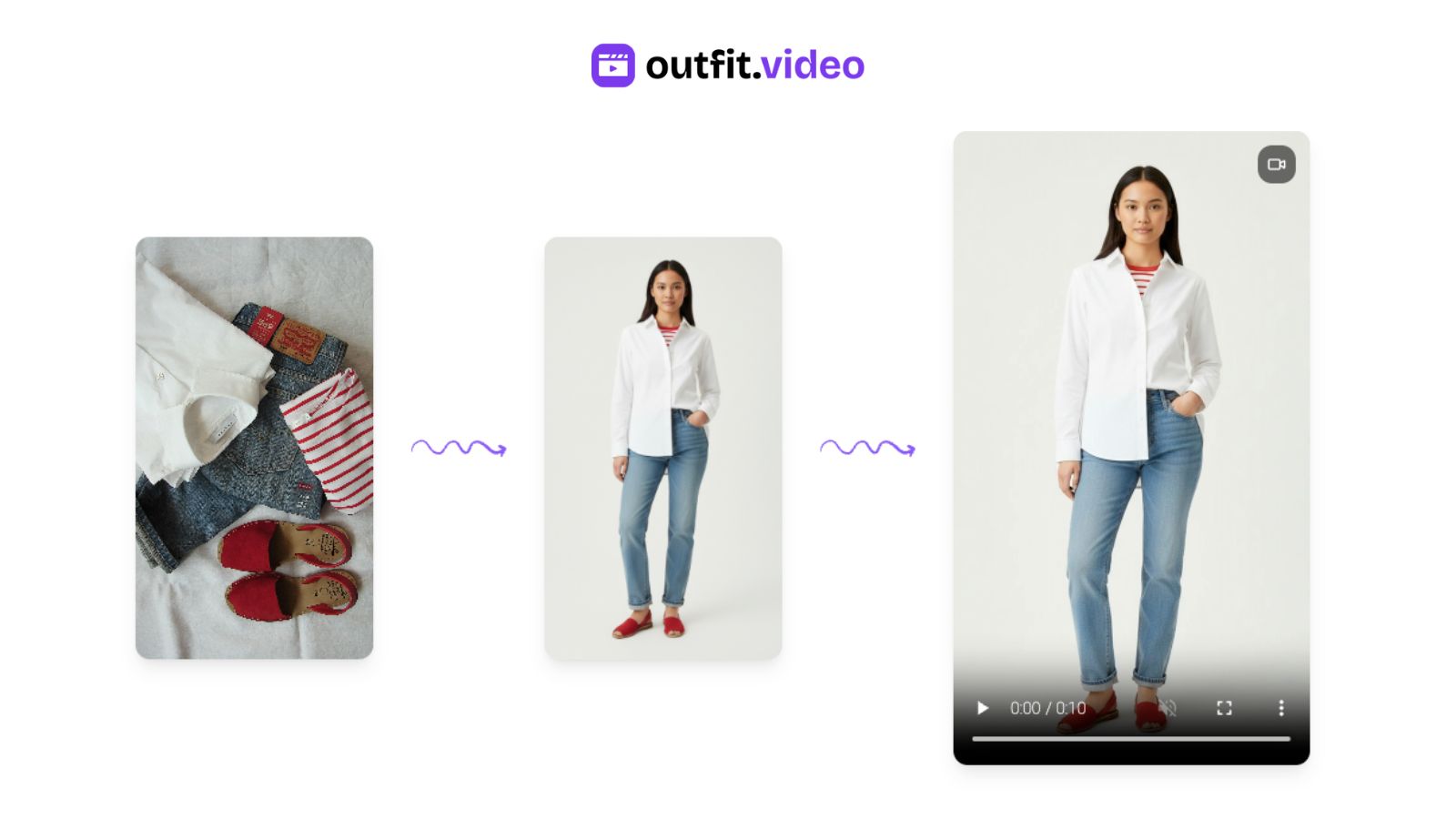
Ready to turn your outfit photos into scroll-stopping videos? Try Outfit Video free and create your first AI fashion video in minutes.
Ready to turn your outfit photos into scroll-stopping videos? Try Outfit Video free and create your first AI fashion video in minutes.