Storing and Versioning AI Fashion Video: DAM Setup for Small Teams
November 22, 2026
digital asset management setup solves all three problems, and it does not require an enterprise budget or a dedicated IT team to implement.
- A lightweight digital asset management (DAM) system built around clear folder hierarchies and consistent naming conventions can serve small fashion teams without costly software licences.
- Video versioning prevents teams from publishing outdated clips by making every iteration traceable from first draft to approved master.
- Metadata tagging at the point of upload, not retrospectively, is the single habit that most reduces future search time.
- AI-generated fashion videos introduce unique versioning challenges because minor prompt changes can produce files that look similar but serve different purposes.
- Linking your DAM structure to your approval workflow closes the gap between file storage and go-live decisions.
Why DAM Matters Specifically for AI Fashion Video
Traditional fashion shoots produce a predictable volume of assets: hero images, editorial stills, one or two hero videos. AI video generation breaks that model entirely. A single SKU can yield five prompt variations, three aspect ratios, two colour-grade treatments, and a localised version for a different market, all in a single afternoon. Outfit Video users producing batch campaigns across a large catalogue can generate hundreds of clips before the first one goes live.
That volume means disorganisation compounds quickly. A team that stores everything in a shared drive labelled “Videos” will find that folder unmanageable within a month. The fashion DAM problem is not about capacity; cloud storage is cheap. It is about findability, traceability, and the ability to identify which version of a clip has been approved for which platform.
If you are already running large-scale generation, the post on batch generating outfit videos for a 500-SKU catalogue covers the production side. This post focuses on what happens to those files after generation.
Building a Folder Hierarchy That Scales With a Small Team
The most durable folder structures for fashion DAM follow a three-level logic: campaign at the top, SKU or collection in the middle, and file type or status at the bottom. A practical example looks like this:
- Campaign level: Season name or campaign code (for example, SS25-Core or BlackFriday24)
- SKU or collection level: Product code or collection name, never a generic description that might apply to multiple items
- Status level: Subfolders labelled drafts, in-review, approved, and archived
Moving a file between status folders is a lightweight substitute for a formal version-control system. It costs nothing, requires no software, and is immediately understood by any new team member. The rule is strict: nothing sits in the root campaign folder. Every file belongs in a status subfolder.
For teams managing approval processes alongside this structure, the guide on fashion video approval workflows explains how to link file status to sign-off steps without creating bottlenecks.
Naming Conventions: The Foundation of Video Versioning
Video versioning fails almost entirely when file names are descriptive rather than structured. Names like “blue-dress-final.mp4” or “new-reel-v2-FINAL2.mp4” are symptoms of a team managing versions through memory rather than convention. A structured naming convention removes ambiguity and makes automated sorting possible.
A recommended convention for AI fashion video files follows this pattern:
- Campaign code (four to six characters, no spaces)
- SKU or product reference
- Platform code (TK for TikTok, IG for Instagram Reels, YT for YouTube Shorts, PN for Pinterest)
- Version number (v01, v02, not “final” or “new”)
- Status flag (DR for draft, AP for approved, AR for archived)
An example file name under this system: SS25-BLK-DR001-TK-v03-AP.mp4. Anyone on the team can read that string and know immediately which campaign, product, platform, iteration, and approval stage the file belongs to, without opening it.
The same discipline applies to prompt files. If you save the prompts used to generate each clip (which you should), name them with the same prefix as the video they produced. This creates a direct audit trail from output back to input. That trail matters most when you need to maintain face or model consistency across a campaign and need to reproduce a specific look.

Metadata Tagging at the Point of Upload
File names carry basic identity, but metadata carries context. Tag each asset at the moment it enters the DAM, not as a retrospective task when the team needs to find something. Retrospective tagging rarely happens, and when it does it is inconsistent.
The minimum viable metadata set for an AI fashion video asset includes:
- Product category (tops, dresses, outerwear, accessories)
- Colour family (not the exact shade, which varies by screen, but the general family)
- Target platform and aspect ratio
- Campaign or season tag
- Generation date
- Approval status and approver name
- Expiry or review date, particularly important for seasonal or promotional content
Many teams skip the expiry date field and later discover they are still running a winter campaign clip in spring because nobody flagged it for review. Setting an expiry date at upload turns a passive archive into an actively managed one.
If your team is also building a broader brand style guide to govern how AI outputs should look, connecting those parameters to your metadata taxonomy ensures every asset can be filtered by visual treatment as well as product category. The post on building a brand style guide for AI-generated video output gives a practical framework for defining those parameters before generation begins.
Choosing Tools Without an Enterprise Budget
Small teams do not need purpose-built digital asset management software to run this system effectively. The right tool is whichever one the team will actually use consistently. Options exist across a wide cost range:
- Google Drive or Dropbox: Free or low-cost tiers support folder hierarchies and basic metadata through file properties and naming. The limitation is search: it is slower and less structured than dedicated DAM tools.
- Notion or Airtable: Work well as a lightweight DAM index, linking to files stored elsewhere and adding rich metadata fields, approval status columns, and filtered views by platform or campaign.
- Dedicated DAM tools (Bynder, Brandfolder, Canto): Justified once a team is managing over 1,000 active assets or working across multiple markets. At smaller scale, their cost and onboarding overhead is difficult to justify.
- Frame.io or Vimeo Review: Better suited to the review and approval stage than to long-term storage, but can serve as a temporary holding space during the in-review phase before files are promoted to the main DAM.
The most common mistake is choosing a tool first and building the taxonomy second. Design the naming convention and metadata schema independently of any tool, so they can be migrated if the team outgrows the initial choice.
Governing Versions Across Platforms and Markets
AI fashion video rarely exists in a single version. A clip optimised for TikTok at 9:16 is a different file from the same clip cropped for Pinterest at 2:3, even if the underlying creative is identical. Market-specific edits, such as localised subtitles or adjusted styling for a different regional audience, add further layers. Each of these is a legitimate version and must be stored and labelled as such.
The practical rule for video versioning across platforms is to treat each platform variant as a child of a master file. Store the master in its own subfolder within the approved directory, then store each derivative alongside it with the platform code and any localisation flag appended to the name. This prevents the common failure where a team member takes a TikTok-optimised file and uploads it to Pinterest without checking the aspect ratio, because the right file is immediately visible next to the wrong one.
When teams manage assets across multiple regions, the complexity of this governance increases sharply. The decisions involved in adapting creative for different markets are covered in the guide on multi-language fashion video, which is worth reading alongside any DAM planning for internationally active brands.
FAQ
What is the simplest DAM setup a two-person fashion team can implement today?
Start with a shared cloud drive using the three-level folder hierarchy described above (campaign, SKU, status), adopt a structured file-naming convention on day one, and log every asset in a shared Airtable or Notion database with the minimum metadata fields. This costs nothing beyond existing subscriptions and can be operational within a day.
How should AI-generated video files be versioned differently from traditionally shot footage?
AI-generated clips require the prompt used to create them to be stored alongside the video file, because the prompt is the production brief. Without it, regenerating a similar clip later is guesswork. Version numbers should increment on any prompt change, not just on edit changes, because a different prompt produces a materially different asset even if the output looks similar.
How long should approved fashion video assets be retained before archiving?
Seasonal content should be reviewed at the end of each season and archived unless it is evergreen. Promotional content (sale events, limited drops) should be archived within two weeks of the promotion ending. Evergreen content such as how-to-style clips should be reviewed annually and re-approved or updated as styling or branding evolves.
Can a fashion DAM system help with compliance and rights management?
Yes. Metadata fields for licence type, usage rights, and expiry dates ensure that assets tied to paid model usage, music licences, or platform-specific agreements are flagged before they expire. This is especially relevant for AI-generated assets that use licensed model references or audio tracks with restricted usage windows.
What is the most common DAM mistake small fashion teams make?
Starting with the tool rather than the taxonomy. Teams that choose software first often inherit whatever folder logic the tool defaults to, which rarely matches how they actually search for assets. Define your naming convention, metadata fields, and folder hierarchy on paper first. Then choose the tool that best supports that structure.
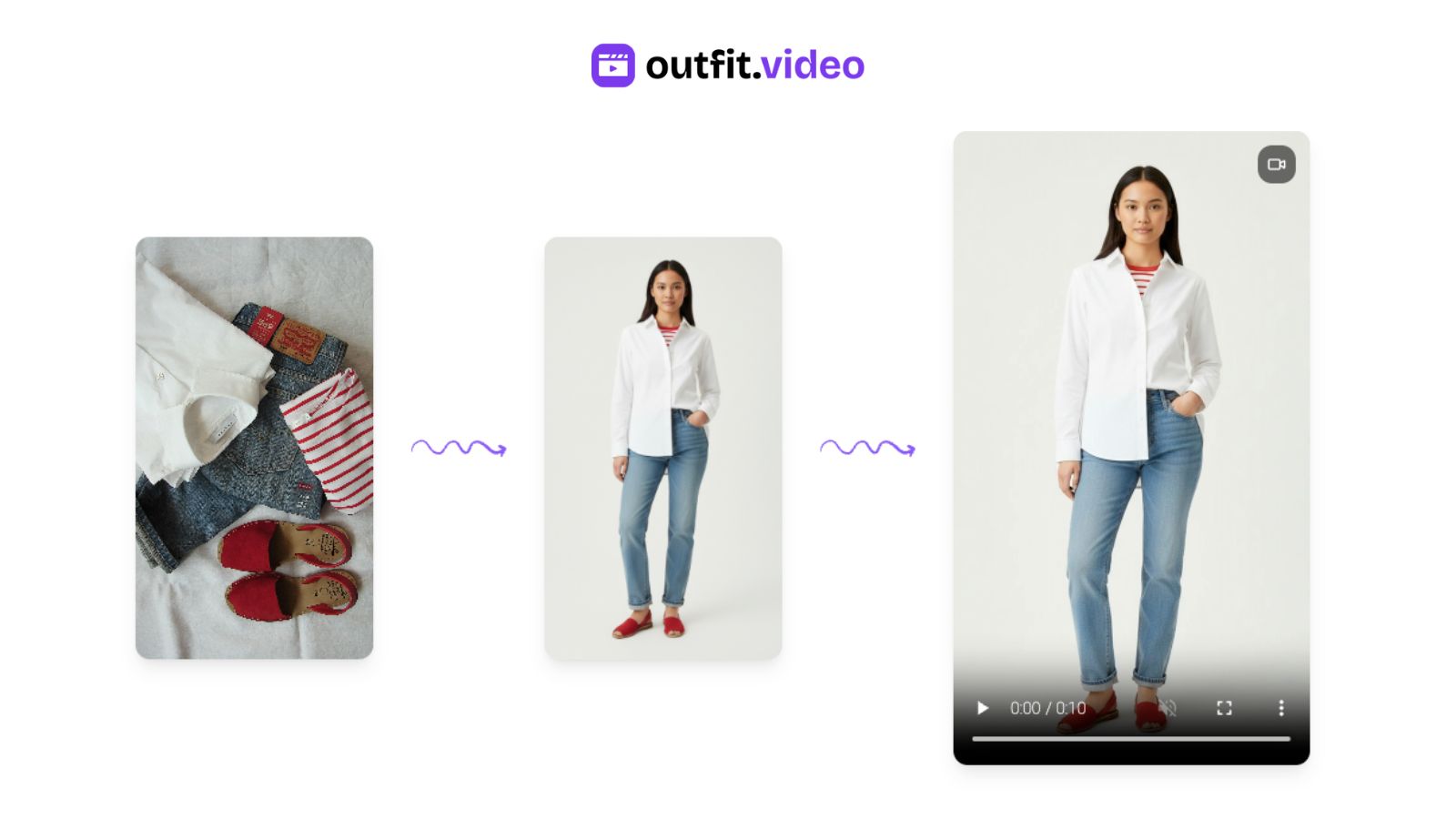
Ready to turn your outfit photos into scroll-stopping videos? Try Outfit Video free and create your first AI fashion video in minutes.
Ready to turn your outfit photos into scroll-stopping videos? Try Outfit Video free and create your first AI fashion video in minutes.