Best Practices for Fashion Email Video Thumbnails
June 29, 2026
Your email campaign is only as strong as the moment a subscriber decides to click. In fashion email marketing, that decision often happens in under two seconds — and it happens because of a single image: the email video thumbnail. Get it right, and click-through rates climb. Get it wrong, and a well-produced video sits unwatched, your conversion opportunity lost to a crowded inbox. This guide covers everything fashion brands and creators need to know about designing, optimising, and testing thumbnails that drive real engagement.
- An email video thumbnail is a static image, not an embedded video — most email clients do not support autoplay, so the thumbnail carries the full weight of the click decision.
- High-contrast styling, a visible play button, and a clear outfit focal point are the three non-negotiable elements of an effective fashion thumbnail.
- Thumbnail dimensions, file size, and alt text directly affect deliverability and accessibility in fashion email marketing.
- A/B testing thumbnails independently of subject lines reveals which visual variables actually move click-through rate.
- AI-generated outfit videos from tools like Outfit Video produce frame-ready thumbnail candidates automatically, reducing production time significantly.
Why Thumbnails Are the Deciding Factor in Fashion Email
Embedded video in email is still unreliable. Gmail, Outlook, and Apple Mail each handle video differently, and the majority of sends will render a static fallback image rather than play any video inline. That static image — your email video thumbnail — is what determines whether a subscriber clicks through to watch your content on a landing page, product page, or social channel.
The implication is significant. Unlike a social feed where a video auto-plays and earns attention passively, an email thumbnail must actively persuade. It functions like a movie poster compressed into a few hundred pixels: it needs to communicate mood, product, and intent simultaneously. Fashion brands that treat thumbnails as an afterthought are effectively leaving click-through rate on the table every single campaign.
Research consistently shows that emails referencing video content — even just the word “video” in a subject line — see higher open rates. But that lift disappears quickly if the thumbnail does not deliver on the implied promise. The thumbnail is where the commitment to click is made.
Visual Composition Principles for Fashion Thumbnails
The strongest video in email fashion thumbnails follow a small set of compositional rules that have proven reliable across brand sizes and categories.
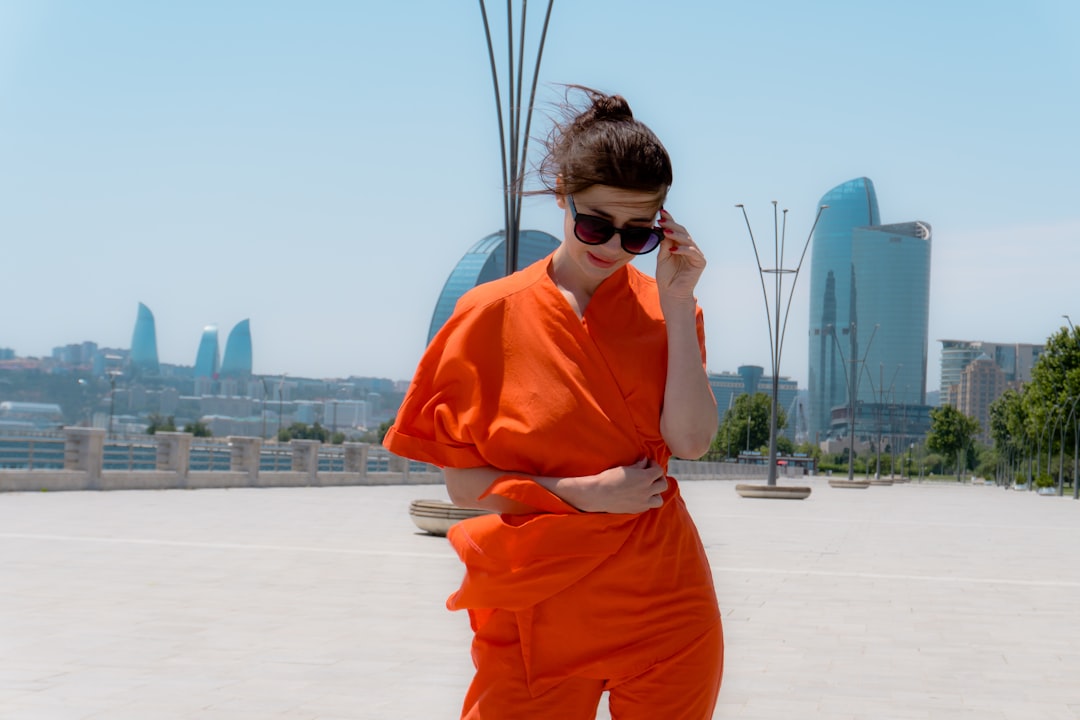
- Centre the outfit, not the model’s face. In fashion email, the product is the hero. Framing the shot so the full look is visible — ideally from mid-thigh to shoulder — gives subscribers enough information to decide whether it is relevant to them.
- Use a high-contrast play button overlay. A semi-transparent play icon placed centrally signals that this image links to video. Without it, many subscribers will not realise they are looking at a video prompt rather than a standard campaign image. The play button should be large enough to read on mobile — at minimum 44×44 pixels in the rendered view.
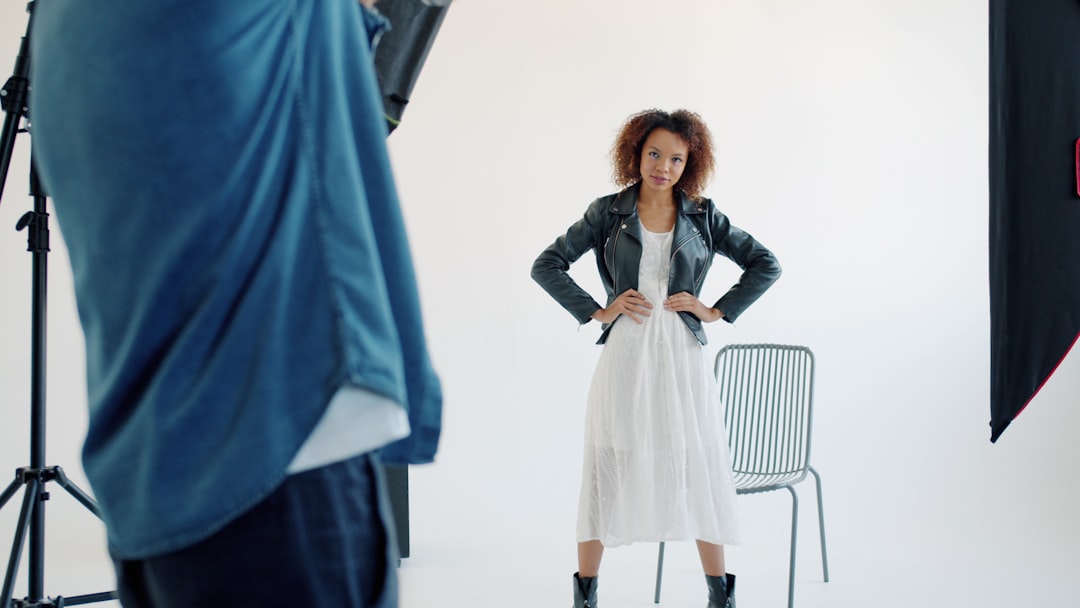
- Control the background. Busy backgrounds dilute attention. Studio white, a single flat colour, or a minimal lifestyle setting keeps the eye on the garment. This is especially important at thumbnail dimensions where detail is already compressed.
- Incorporate motion cues. A slight fabric movement, a caught mid-step pose, or a dynamic angle all suggest action and reinforce the idea that clicking reveals something in motion. Static flat lays can work, but motion-implied frames consistently outperform them in fashion categories.
- Limit text overlay. If you include text, one short phrase — a collection name, a season callout, or a social proof hook — is enough. More than five words competes with the visual and risks being clipped by image blocking.
For brands building a library of campaign-ready visuals, the process of creating outfit photos that translate well to thumbnails overlaps directly with broader video production. The guidance in How to Add Motion to Flat Lay Photos With AI is directly applicable here: the same principles that make a flat lay animate convincingly also produce compelling thumbnail frames.
Technical Specifications Every Fashion Brand Should Follow
Visual quality means nothing if the image is blocked, slow to load, or improperly sized. These technical parameters apply across the major email service providers.
- Dimensions: 600px wide is the standard email template width. For a full-width hero thumbnail, use 1200x675px (16:9 ratio) at 2x resolution for retina screens, then constrain it to 600px in the HTML width attribute. For a square format — which works well for product-focused sends — use 1200x1200px rendered at 600px.
- File size: Keep thumbnails under 200KB. Large files slow load times, and slow-loading images are frequently skipped on mobile data connections. Use JPEG for photographic thumbnails; PNG only if transparency is required.
- Alt text: Always write descriptive alt text. A significant proportion of subscribers read email with images blocked by default — typically business users on Outlook. Alt text like “Watch the new spring linen collection video” communicates intent even when the image does not render.
- Link destination: The thumbnail must link to a page where the video actually plays. Linking to a homepage or a generic collection page breaks the promise implied by the play button and increases bounce rate on the destination.
- Dark mode compatibility: Test thumbnails in dark mode. Play button icons and text overlays with white fills can disappear against light garments in certain dark mode implementations. Use a slightly coloured or drop-shadowed play icon to maintain visibility.
How to Select the Right Frame for Your Thumbnail
If you are extracting a thumbnail from an existing video, frame selection is a creative decision with measurable consequences. The most common mistake is selecting the first or last frame — these are frequently transition frames with motion blur or incomplete compositions.
The optimal thumbnail frame typically appears in the first third of a fashion video, where the outfit has just come fully into frame and the model or subject is in a strong pose. For outfit transition videos, the moment just after a transition resolves — where the new look is fully visible — tends to produce high-performing thumbnails because it implies a reveal without giving it away entirely.
For brands using AI-generated fashion videos, the thumbnail selection process is often faster because every frame is intentionally composed rather than captured mid-movement. Tools that generate outfit videos from static photos produce frames that are already thumbnail-ready, which is one of the practical production advantages they offer over filmed content. If you are exploring what well-composed video frames look like across different formats, the article on Outfit Transition Videos: Trending Formats for 2026 shows how motion is structured in ways that directly inform which frames hold up as stills.
A/B Testing Thumbnails for Fashion Email Campaigns
Most fashion brands A/B test subject lines far more rigorously than they test visual content. This is a missed opportunity. Thumbnail variables that are worth testing systematically include:
- Play button style: Solid circle versus outlined circle versus no explicit play button — some audiences respond to subtlety, others need an explicit prompt.
- Shot type: Full-body versus waist-up versus detail close-up. Category matters here; knitwear often performs better with texture close-ups, while occasion wear benefits from full-length styling shots.
- Background treatment: Studio white versus lifestyle setting. Lifestyle thumbnails tend to perform better for aspirational or seasonal campaigns; studio images for new arrival announcements where product clarity matters most.
- Model versus no model: For brands with strong product identities, flat lay or mannequin thumbnails sometimes outperform model shots because they reduce distraction. Test this rather than assuming.
- Text overlay presence: A collection name or CTA phrase versus no text at all.
Run each test on a minimum sample size that gives statistical significance — typically above 1,000 subscribers per variant for meaningful results. Track click-through rate as the primary metric, but also track the downstream conversion rate on the landing page to distinguish between thumbnails that generate curiosity and those that generate purchase intent. For a broader view of how to set up meaningful measurement across video campaigns, Fashion Video Marketing KPIs You Should Actually Track provides a useful framework.
Maintaining Consistency Across Seasonal Campaigns
High-performing individual thumbnails are valuable. A cohesive thumbnail system across an entire email programme is more valuable still. Subscribers who recognise your visual language — consistent framing, consistent play button treatment, consistent colour palette — click faster because they have already built an association between that visual style and content they have enjoyed before.
Establish a thumbnail template for each campaign type: new arrivals, editorial lookbooks, sale events, and seasonal transitions. Each template should have defined rules for background treatment, play button placement, text overlay style, and the acceptable range of shot types. This does not restrict creativity — it accelerates it, because designers and content creators are working within a system rather than starting from scratch for every send.
Seasonal colour shifts — a warmer palette for autumn sends, cooler tones for spring — can be layered on top of consistent structural templates to keep the aesthetic fresh without abandoning the recognisability that builds subscriber trust over time.
FAQ
Can I embed a video directly in a fashion email instead of using a thumbnail?
Technically yes, but in practice fewer than 20 percent of email clients will play it. Apple Mail and some mobile clients support inline video via HTML5, but Gmail and Outlook — which together account for the majority of commercial email opens — do not. A thumbnail linked to a hosted video remains the most reliable approach for fashion email marketing.
What click-through rate should I expect from a video thumbnail in a fashion email?
Industry benchmarks for fashion email hover around 2 to 3 percent average CTR for standard campaigns. Emails prominently featuring video content with well-designed thumbnails regularly achieve 4 to 6 percent CTR. Results vary significantly by list quality, segmentation, and how closely the thumbnail reflects the interests of the receiving segment.
How do I make a play button overlay that looks professional?
The simplest method is to use design tools such as Figma or Canva to place a semi-transparent circle with a white triangle icon centred on the thumbnail image. Export the composite as a single JPEG. Avoid animated GIF play buttons as these add file size and render inconsistently. Keep the play button between 15 and 20 percent of the image width for visibility without overwhelming the outfit.
Should my email video thumbnail match the video’s actual opening frame?
Not necessarily. The thumbnail’s job is to maximise click-through, while the video’s opening frame is designed to retain attention once clicked. Using your strongest compositional frame — even if it appears mid-video — is acceptable, provided the destination video fulfils what the thumbnail implies. Misleading thumbnails increase bounce rates and damage subscriber trust over time.
How many different thumbnail variants should I create for a single campaign?
For a standard campaign send, create at least two variants for A/B testing. For a segmented campaign where different audience groups are receiving tailored messaging, create a distinct thumbnail for each major segment — for example, a womenswear thumbnail for one segment and a menswear thumbnail for another. Beyond four variants, the testing complexity usually outweighs the marginal gains for most brand sizes.
Ready to turn your outfit photos into scroll-stopping videos? Try Outfit Video free and create your first AI fashion video in minutes.
Ready to turn your outfit photos into scroll-stopping videos? Try Outfit Video free and create your first AI fashion video in minutes.