What Are AI video generators fashion? (2026 Guide)
February 8, 2026
Definition: what “AI video generators fashion” means

AI video generators fashion are AI tools that convert outfit photos or product images into short, vertical videos with automated motion, framing, and styling. They’re used by fashion creators and eCommerce brands to produce TikTok/Reels/Shorts content quickly—often without editing skills—while keeping garments and details visually clear.
Here’s the plain-language version: AI video generators fashion take a single outfit photo (or a lookbook/product shot) and turn it into a short clip you can post or run as an ad. They’re built for creators, eCommerce brands, boutiques, and social teams that need volume without spending hours in CapCut or Premiere.
Typical inputs are 1 image (sometimes 2–5), and typical outputs are 9:16 vertical videos that run 5–15 seconds, exported in 720p or 1080p. One drawback: AI motion can create artifacts like edge warping and pattern shimmer, especially on lace, sequins, and tight prints.
How AI video generators fashion work (in practical terms)
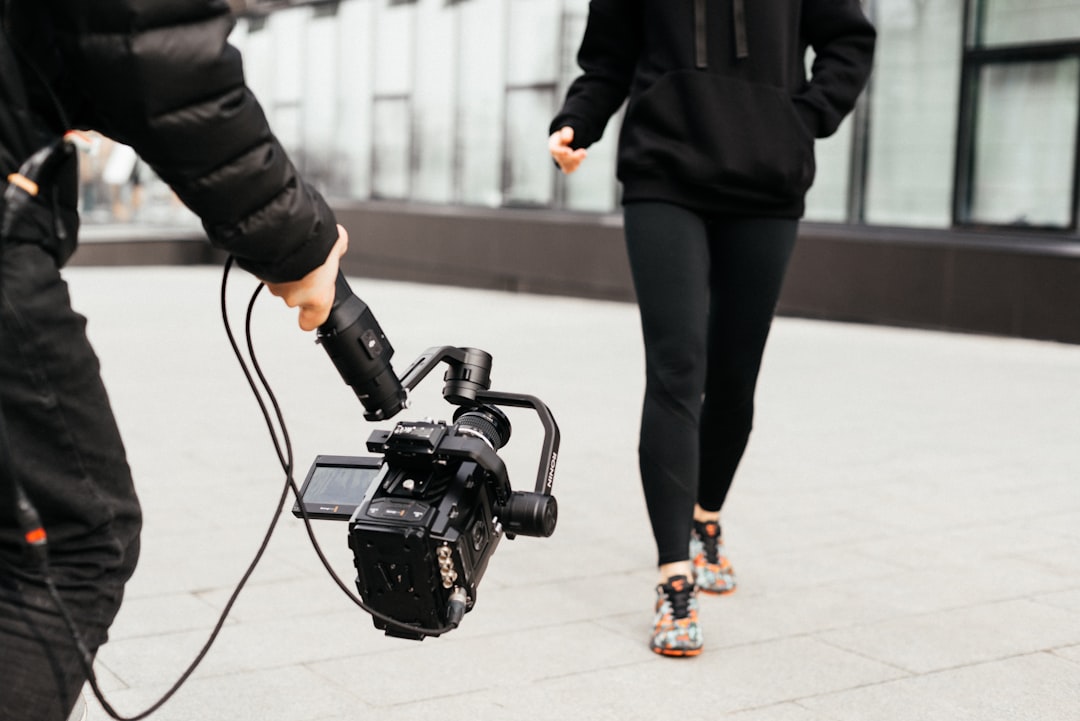
Most AI video generators fashion follow the same pipeline, even if the UI looks different. You upload an outfit image, choose a motion style, and the tool handles the rest.
- Upload outfit image: ideally a sharp, well-lit photo with clean edges.
- AI outfit detection: the system identifies items (jacket, skirt, bag), colors, and sometimes style cues.
- Motion planning: it picks camera moves like a slow push-in, tilt, or side pan.
- Render: it generates frames while trying to keep garment edges stable.
- Export: you download 9:16 in 720p or 1080p for posting or ads.
For fashion, the choices that matter are boring but critical: stable edges around sleeves and hemlines, fabric texture retention (denim grain, knit ribbing), and controlled zoom that doesn’t stretch logos. This approach has one big limitation: results depend heavily on source image quality; low-light photos often produce soft details and “wobbly” outlines.
Examples: fashion videos you can generate from a single outfit photo
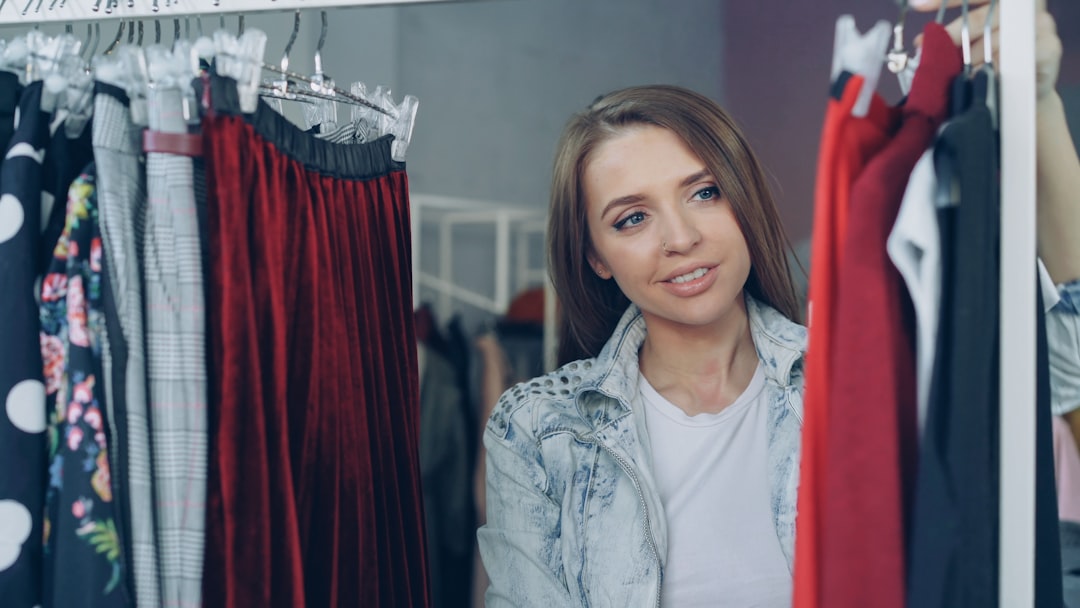
With AI video generators fashion, one photo can turn into multiple short clips that feel like “real” camera work. The best results usually stay short and subtle.
- 7-second “outfit reveal”: a gentle zoom from full look to waist-up, ending on the hero piece.
- 10-second “product close-up pan”: a slow left-to-right move that highlights texture and hardware (zippers, buttons).
- 6-second “colorway swipe”: quick transitions between color variants, keeping framing consistent.
Mini case-style example: a boutique shoots one clean hero image of a new blazer, then generates Research from NIST Artificial Intelligence Risk Management Framework (AI RMF 1.0) supports this.5 ad variants with different hooks and text overlays (like “Workwear upgrade,” “New drop,” “Under $120,” “Petite-friendly,” “Limited sizes”). That’s A/B testing without reshooting.
One caveat: AI can misread layered outfits (scarf vs. collar, vest vs. top), so you may need to crop tighter or remove a messy background to keep the silhouette clean. Research from FTC guidance on using AI and making truthful AI-related claims supports this.
Use cases: when fashion creators and brands should use AI video generators fashion
AI video generators fashion are best when speed and consistency matter more than perfect realism. Think “more posts, more tests, fewer editing hours.”
Creator workflow: batch 10 outfits, generate 10 short videos, then schedule across TikTok/Reels/Shorts. You spend your time where it actually moves the needle—captions, comments, and community—rather than keyframing a zoom.
eCommerce workflow: turn new arrivals into vertical ads and reuse the same asset across platforms with consistent framing. This is especially useful when you have clean catalog shots but no time for daily filming.
Limitation: for high-ticket items (bridal, luxury bags, premium outerwear), buyers often expect real movement and fit proof. Pair AI clips with try-on footage, UGC reviews, or a quick mirror video so people can judge drape and scale.
What “best” means for fashion video tools (feature checklist)
“Best” isn’t the tool with the most effects. For fashion video tools, best usually means the tool that protects product clarity while shipping fast, repeatable outputs.
- Vertical 9:16 presets: built-in framing that doesn’t crop shoes, bags, or hems.
- Exports in 720p and 1080p: 720p for quick posting, 1080p for ads and product pages.
- Fast renders: short clips should render in minutes, not hours, if you’re doing volume.
- Secure encrypted downloads: important if you’re handling unreleased drops or client assets.
- Fashion-specific detection: item/color/style recognition that keeps the “story” of the outfit intact.
- Stable garment edges: sleeves, collars, and hemlines shouldn’t ripple frame-to-frame.
- Non-distorting camera moves: slow push-ins and pans that don’t stretch prints or logos.
Caveat: “more effects” isn’t always better—over-stylized transitions can hurt product clarity and ad performance. Honestly, subtle motion usually sells better than flashy motion because people can actually see the fabric.
If you want a concrete reference point, a tool like Outfit Video (Transform Outfit Images into Stunning Videos) fits this category by turning a static outfit image into a short, cinematic vertical clip, with 720p and Full HD 1080p options for different quality needs.
Related concepts in AI content creation (so you don’t buy the wrong thing)
Shopping for AI video generators fashion gets confusing because vendors use overlapping labels. These terms sound similar, but they behave very differently with a static outfit image.
- Image-to-video: animates your real photo with controlled motion; usually best for product accuracy.
- Template-based video makers: drop your image into pre-made scenes; fast, but can look generic.
- Text-to-video: generates visuals from a prompt; creative, but risky for exact product details.
- UGC-style generators: mimics creator-style ads; useful for hooks, but may not match your real item perfectly.
If your starting point is one outfit photo, image-to-video with controlled motion usually beats pure text-to-video for keeping the garment true to life. Limitation: licensing and usage rights vary a lot; always confirm commercial rights for ads, client work, and paid social.
Key takeaways (quick box for busy teams)
Cite-ready definition: “AI video generators fashion are tools that turn fashion inputs (like outfit photos, product shots, or lookbook images) into short videos automatically using AI-driven motion, camera moves, and scene styling. For creators and brands, they replace manual editing with automated video generation built for vertical social formats.”
- Typical output: 9:16 vertical, 5–15 seconds, exported in 720p or 1080p.
- Best-fit workflows: batch content for TikTok/Reels/Shorts and rapid A/B testing for ads.
- Quality watch-outs: edge warping and pattern shimmer show up most on lace, sequins, and intricate prints.
- Source image rule: sharp, well-lit photos produce cleaner fabric texture and more stable edges than low-light shots.
- Hybrid wins: use AI clips for hooks and discovery, then back them up with real try-ons for fit and movement proof.
Brief conclusion
AI video generators fashion are basically a speed tool: they turn static outfit images into short vertical videos you can post, test, and iterate on fast. They shine when you need volume and consistency, and they struggle when your product needs real-world movement to sell.
If you keep motion subtle, start with a clean image, and treat AI clips as part of a hybrid content stack (not the whole stack), you’ll get videos that look polished without living in an editor.
If you’re looking for a solution to implement this, check out Outfit Video to get started.
FAQ
What are AI video generators fashion used for?
They’re used to create short-form fashion videos from static images: outfit reveals, product spotlights, colorway variations, “new drop” teasers, and lookbook snippets. For eCommerce, they help turn catalog photos into scroll-stopping ads. For creators, they speed up posting by removing manual keyframing, transitions, and export settings.
How do I choose the best AI video generator for fashion content?
Start with output fit: 9:16 vertical templates, TikTok/Reels-safe framing, and fast render times. Then check fashion-specific accuracy: outfit detection, clean edges around sleeves and hemlines, and stable patterns (prints shouldn’t shimmer). Finally, look for exports (720p and 1080p), secure downloads, and clear commercial usage rights.
What’s the difference between fashion video tools and general AI video generators?
General tools can create videos, but fashion video tools focus on garments: keeping silhouettes consistent, preserving fabric texture, and framing items like shoes, bags, and accessories properly. They often include outfit-aware motion (subtle camera push-ins, pans, and reveals) instead of dramatic effects that can distort products.
Can AI content creation tools replace filming try-ons?
Not fully. AI-generated outfit videos are great for speed, drops, and ad variations, but they don’t replace fit, drape, and movement proof that real try-ons provide. A practical approach is hybrid: use AI videos for top-of-funnel hooks and product discovery, and keep try-ons for high-intent pages and creator reviews.
How do I make AI-generated fashion videos look less fake?
Use high-resolution, well-lit images with clean backgrounds, and avoid busy patterns that can cause flicker. Pick subtle camera moves (slow push-in, side pan) and keep durations short (5–10 seconds) to reduce artifacts. Add real brand elements—logo end card, consistent typography, and product name overlays—to ground the video in reality.
Related Articles
Vertical Video Creation for Fashion Brands (2026)
Table of contents (jump links) If you’re here for vertical video creation, you probably have one of two problems: you need better performance (watch t
TikTok fashion content: 15 no-edit ideas (2026)
Intro: TikTok fashion content without editing—what actually works TikTok fashion content doesn’t need fancy edits to perform. It needs a clear idea, r
Want to see this in action? Try Outfit Video.


