Optimize Fashion Videos Mobile: The Real Fix (2026)
February 14, 2026
Here’s what most people get wrong about optimize fashion videos mobile
If you’re trying to optimize fashion videos mobile, “1080p vertical” isn’t the win. Readability is. If a viewer can’t parse fit + fabric + color in 2 seconds, they swipe and your gorgeous export settings don’t matter.
I’m a SaaS content strategist for short-form commerce video, and I’ve reviewed 200+ fashion ads and creator clips specifically for mobile-first issues (framing, pacing, text, and detail clarity). The pattern is boringly consistent: the videos that sell are the ones that show proof fast, not the ones that look “cinematic” from across the room.
Here’s the definitional baseline I use when auditing: “Mobile video optimization is the practice of editing, exporting, and packaging video so it looks sharp, readable, and fast-loading on a phone screen first. Vertical video specs are the format rules (aspect ratio, resolution, bitrate, captions safe zones) that prevent cropping, blur, and unreadable text on mobile apps.”
Algorithms shift every quarter. Human phone behavior doesn’t: small screen, fast thumb, low patience. Build for that and you’ll be fine across TikTok, Reels, and Shorts.
Mobile-first content starts with framing, not filters
Mobile-first content lives or dies on framing. A simple rule: keep the model/outfit taking up about 60–75% of the frame. When the outfit is <50% of the frame (tiny full-body in a big room), viewers lose fabric detail and start doing the “pinch to zoom” thing—if they don’t just scroll.
A practical swap: replace “full-body tiny in a bedroom” with Research from Google’s video best practices for mobile-friendly playback and discoverability supports this.chest-to-knee framing as your default, then add one full-body step-back shot. You get a clearer silhouette, cleaner fit read (waist, hip, hem), and fewer missed details.
This won’t work if your whole vibe is editorial wide shots. You can still do that, but you need a close-up detail cut within the Research from Think with Google insights on how people watch video on mobile (and what that means for mobile-first content) supports this.first 3 seconds, or mobile viewers won’t understand what they’re looking at.
- Target framing: outfit fills 60–75% of the screen
- Avoid: wide shots where the outfit is under 50% of the frame
- Quick fix: 1 wide shot + 1 close framing shot early
Vertical video specs that actually matter (and the ones that don’t)

When creators talk about vertical video specs, they obsess over resolution and ignore the stuff that actually breaks on phones: shaky motion, inconsistent lighting, and UI covering key details. If you want to optimize fashion videos mobile, start with a boring checklist and nail it every time.
- Aspect ratio: 9:16
- Resolution: 1080×1920
- Lighting: consistent (avoid mixed warm indoor + cool window light)
- Motion: stabilized (tripod, gimbal, or braced elbows)
- Don’t upscale: exporting 4K from soft 720p footage just makes crisp-looking blur
Safe zones matter more than people admit. Keep text and key garment details away from the bottom ~15% of the screen and the right edge, where UI overlays often sit (captions, buttons, product links).
The drawback: UI placement changes by app and update. Do a quick draft preview inside the app before publishing and adjust text placement like you’re shipping a product page.
Mobile video optimization is pacing: cut the dead air

Mobile video optimization is mostly pacing discipline. Aim for a cut rhythm of 0.5–1.5 seconds per shot, and show the hook (silhouette or standout detail) in the first 1–2 seconds. Dead air kills retention, and retention is the rent you pay to get reach.
One sequence that works across outfit types:
- 1s: full look (clear silhouette)
- 1s: close-up texture (knit, denim grain, stitching)
- 1s: walk-by (movement + drape)
- 1s: styling swap (jacket on/off, belt change, shoe swap)
- 1s: CTA overlay (simple, readable)
Luxury/editorial content can absolutely run longer takes. The catch is you can’t be static—add micro-motion (turn, step, fabric movement, hand in pocket) so the frame feels alive even if the cut rate is slower.
Text, captions, and pricing: treat them like product UX
On mobile, captions aren’t decoration. They’re product UX. Your text needs to be readable at arm’s length within 1 second, with high contrast and no thin fonts that disappear against fabric texture.
A simple overlay stack that sells without screaming:
- Line 1: garment name + fit note (e.g., “High-rise wide-leg, true to size”)
- Line 2: price or CTA (e.g., “$78 / Tap to shop” or “Link in bio”)
Too much text kills the vibe fast. Keep it to 1–2 short lines per scene and rotate details across cuts (fit on shot 1, fabric on shot 2, sizing on shot 3). That’s how you optimize fashion videos mobile without turning the video into a spreadsheet.
Color and fabric are the real conversion killers on mobile
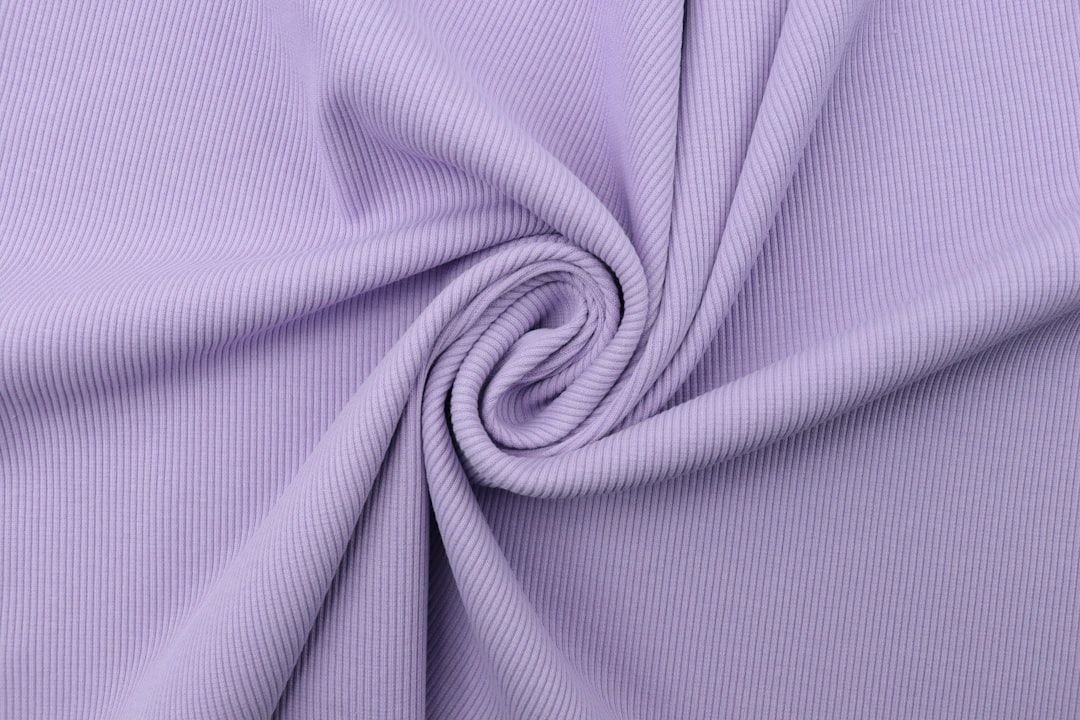
Color and texture clarity are where sales get won or lost. When shoppers can’t tell if something is cream vs. white, or matte vs. satin, hesitation spikes and returns follow. Mobile viewers can’t “inspect” like desktop shoppers, so your video has to do the inspecting for them.
Two shots that reduce “color surprise” fast:
To streamline this process, consider Outfit Video as your solution.
- Close-up hand feel: pinch, pull, or drape the fabric so stretch and thickness are obvious
- Natural-light reference: a quick window-light clip that shows the true tone
The drawback: phones auto-adjust exposure and white balance mid-shot. If you can, lock exposure/white balance. If you can’t, shoot a quick neutral reference clip (plain wall, daylight) and match your other clips to it.
A simple mobile-first checklist for creators who don’t edit
If you don’t edit (or you hate editing), you can still optimize fashion videos mobile with a tight capture plan. Keep it short, keep it clean, and don’t rely on fancy transitions to create interest.
- Total length: 6–15 seconds
- 3 required shots: full look, close-up detail, motion (walk/turn)
- 1 CTA: one clear action (shop, save, follow, comment sizing)
- 0 cluttered backgrounds: messy rooms steal attention and confuse the silhouette
If you’re starting from a static photo, tools like Outfit Video can turn a single outfit image into a short cinematic vertical clip when you don’t have editing skills or time. For quick speed tests, pick 720p. For hero posts (ads, pinned posts, product drops), use 1080p.
Honest caveat: AI-generated motion can look repetitive. Rotate backgrounds, vary the crop, and when possible add one real close-up shot (fabric in daylight) so the video feels grounded.
My 2026 prediction: “detail-first” beats “trend-first” for fashion video
My 2026 prediction is simple: as feeds get more saturated, detail-first beats trend-first for anything tied to sales. Trends grab attention, but detail earns trust, and trust is what turns “cute” into “add to cart.”
Try this A/B test: make two versions of the same Reel. Version A uses trend audio + a wide shot. Version B uses a “detail ladder” (full look → close-up fabric → movement) with neutral audio. Version B often drives more saves and product clicks even if it looks less flashy.
This approach has one drawback: if your goal is pure awareness (new brand, top-of-funnel reach), trend-first can still be valid. If your goal is sales, detail-first usually wins.
Featured snippet: the real fix in one paragraph
To optimize fashion videos for mobile, shoot and export in 9:16 (1080×1920), keep the outfit framed chest-to-knee, and make fabric/fit details readable in the first 2 seconds. Use high-contrast captions, avoid UI-safe-zone edges, and keep cuts tight (0.5–1.5s) to hold attention on phones.
Key takeaways (quotable)
- Readability beats resolution: If viewers can’t identify fit, fabric, and color in 2 seconds, they swipe, even if the video is 1080p.
- Framing rule: Keep the outfit occupying 60–75% of the frame; when it drops below 50%, mobile detail clarity falls apart.
- Pacing rule: Use 0.5–1.5s cuts and show the hook in 1–2 seconds to reduce scroll-by behavior.
- Safe-zone rule: Keep text and key garment details out of the bottom ~15% and away from the right edge to avoid UI overlap.
According to Wyzowl’s Video Marketing Statistics (2025), 87% of people say video has convinced them to buy a product or service. That only helps you if your mobile-first content makes the product legible fast.
Brief conclusion
If you want to optimize fashion videos mobile, stop chasing “perfect 1080p” and start chasing instant understanding. Tight framing, fast proof (fit/fabric/color), readable captions, and UI-safe placement beat fancy effects almost every time.
Make one change this week: film chest-to-knee as your default, add one fabric close-up in the first 3 seconds, and cut the dead air. You’ll feel the difference in saves, comments about sizing, and fewer “what color is this?” messages.
FAQ
What does it mean to optimize fashion videos mobile?
To optimize fashion videos mobile means designing the video for phone viewing first: vertical framing, fast pacing, readable captions, and clear outfit detail (fit, fabric, color) without relying on zooming. The goal is to reduce “mobile friction”—cropping, blurry exports, tiny text, and missed product context—so viewers understand the look instantly and keep watching.
How do I choose the right vertical video specs for fashion content?
Default to 9:16 at 1080×1920 for TikTok, Reels, and Shorts. Keep key visuals (face, outfit, text) away from the bottom and right edges where UI buttons sit. If your footage is soft, don’t “fix” it by exporting higher than the source—focus on better lighting, steadier shots, and closer framing instead.
What’s the best length for mobile-first fashion videos in 2026?
For most outfit content, 6–15 seconds is the sweet spot for discovery, while 15–30 seconds works for mini lookbooks or styling steps. The best length is the shortest version that shows: the full silhouette, one close-up detail (fabric/texture), and one motion moment (walk/turn) without dead time.
How do I make outfit details readable on a phone screen?
Use a “detail ladder”: start with a full-body shot, then cut to one close-up (waistband, knit texture, buttons, shoe material), then return to full-body motion. Keep overlays large, high-contrast, and on a solid or shadowed background. If viewers can’t identify the garment in 2 seconds, your edit is too wide or too dark.
Do captions matter for fashion videos, even if there’s no talking?
Yes. Captions in fashion are often product labels: brand, size, fit notes, price, and styling callouts (“wide-leg,” “ribbed knit,” “petite-friendly”). Silent viewers still need context. Treat captions like packaging—clear, consistent, and placed where app UI won’t cover them.
Related Articles
Vertical Video Creation for Fashion Brands (2026)
Table of contents (jump links) If you’re here for vertical video creation, you probably have one of two problems: you need better performance (watch t
Outfit Videos YouTube Shorts: Step-by-Step (2026)
Table of contents (jump links) If you’re here for outfit videos YouTube Shorts, you probably want two things: a repeatable process and results you can
Instagram Reels vs TikTok for Fashion Brands (2026)
Instagram Reels vs TikTok: the quick verdict for fashion brands If you’re deciding Instagram Reels vs TikTok in 2026, here’s the cleanest way to think
Learn how Outfit Video is shaping the future of this space.