How to Add Motion to Flat Lay Photos With AI
July 30, 2026
AI flat lay photo animation solves that gap directly, turning a single overhead shot into a short-form video asset without a camera operator, a lighting rig, or a editing suite. This guide explains exactly how the process works, what results you can expect, and how to get the most out of every frame you have already shot.
- Static flat lay photos can be transformed into short-form videos using AI motion tools, with no additional shooting required.
- Animated flat lays outperform static images in engagement and conversion on TikTok, Reels, Shorts, and Pinterest Video Pins.
- The quality of your original photo — lighting, composition, resolution — directly determines the quality of the AI-generated motion output.
- AI motion styles including pan, zoom, fabric ripple, and layered parallax each suit different product types and platform contexts.
- Batch processing through tools like Outfit Video allows brands to animate an entire product catalogue without per-asset editing time.
- Animated flat lays created with AI can be repurposed across every short-form platform from a single source file.
Why Flat Lay Photos Need Motion in 2026
Every major short-form platform now prioritises video content in its algorithm. Pinterest surfaces video pins above static images in home feeds. TikTok’s entire content model is video-native. Instagram Reels consistently receive wider organic reach than grid posts. For fashion brands that have built their visual identity around flat lay photography, that shift creates an urgent content problem.
The evidence from conversion data is equally clear. Research consistently shows that video product content increases purchase intent compared to static alternatives. A shopper watching fabric appear to move or a layered outfit arrangement appear to breathe is receiving sensory information that a photograph cannot convey. That additional information builds confidence at the decision point. For a deeper look at the underlying performance gap, the comparison in Product Video vs Static Images: Which Drives More Sales? is worth reviewing before building your animation workflow.
The traditional answer — re-shooting with a motion camera — adds cost and coordination that most small and mid-size fashion brands cannot absorb at scale. AI animation removes that barrier entirely.
How AI Flat Lay Animation Works
Modern AI motion tools apply computer vision and generative models to analyse the spatial relationships within a photograph and synthesise plausible movement across those elements. The process differs from simple video editing effects like Ken Burns pans. The AI identifies distinct layers — background surface, garment edges, accessories, negative space — and animates each with appropriate physics rather than moving the entire image as a flat plane.
The resulting output behaves more like footage than a slide show. Fabric appears to settle. A denim jacket’s collar appears to shift slightly. A scarf’s folds appear to respond to implied air movement. These micro-motions are what create the perception of a live product rather than a photographed one.
The technical steps a tool like Outfit Video follows are broadly:
- Image ingestion and resolution analysis
- Depth mapping to identify foreground, midground, and background layers
- Motion vector assignment based on selected animation style
- Frame synthesis across the target duration (typically 5 to 15 seconds)
- Export in the aspect ratio and format required for the target platform
The entire pipeline runs without manual masking, keyframing, or rendering queues on the user’s side. You upload a photo and receive a video file.
Choosing the Right Motion Style for Your Flat Lay
Not every animation approach suits every product category. Selecting the wrong motion style produces results that feel unnatural and undermine the credibility of the content. The following breakdown covers the most effective options:
- Parallax float: Separates the garment from the background and moves each at a slightly different rate, creating depth. Works well for hero product shots on Pinterest and Instagram.
- Subtle zoom: A slow push toward a focal point — a logo, a texture detail, a key accessory — directs viewer attention and suits TikTok and Reels where the first two seconds determine watch time.
- Fabric ripple: Applies a gentle wave simulation to textile edges. Highly effective for lightweight materials including silk, linen, and chiffon. Less convincing on structured knitwear or denim.
- Pan and reveal: Moves the frame across a wider composition, mimicking a camera pull. Useful for multi-piece outfit flat lays where the full arrangement needs to be shown within a short clip.
- Layered element drift: Individual items within the flat lay — sunglasses, jewellery, shoes — are animated independently at slightly different speeds. Creates a styled, editorial feel suited to lookbook content.
If your content strategy already incorporates lookbook assets, the workflow described in AI Lookbook Generator: How Brands Build Catalogues Faster integrates directly with animated flat lay production.
How to Shoot Flat Lays Specifically for AI Animation
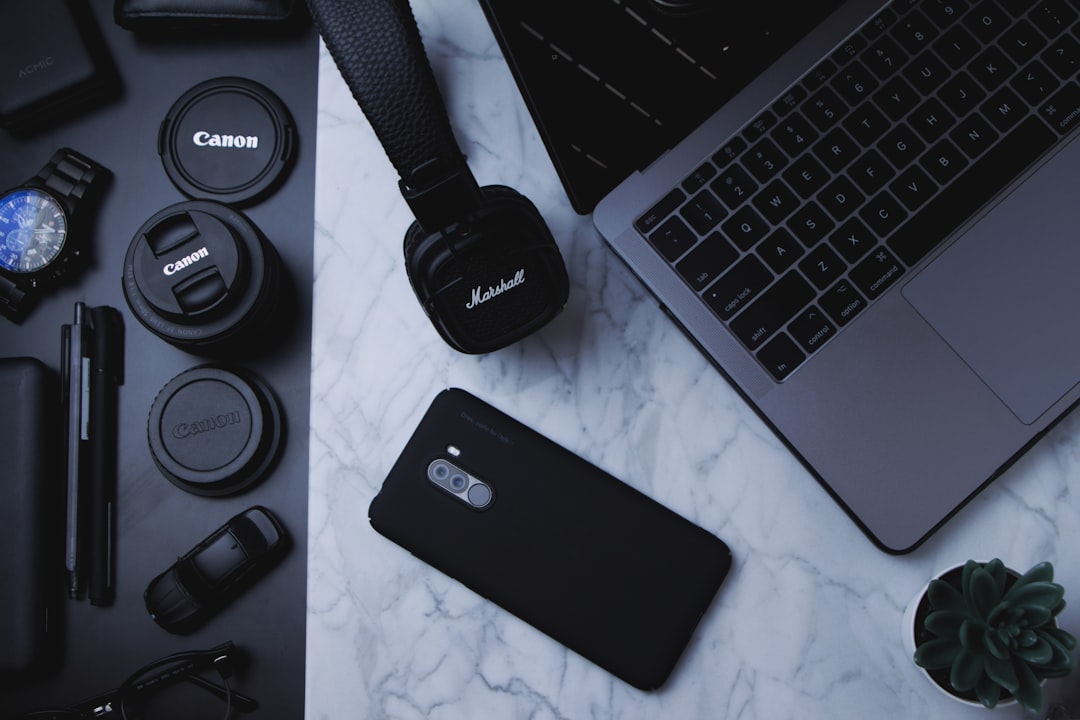
The quality of your animation ceiling is set at the moment you take the photograph. AI motion tools work with the information present in the image; they cannot reconstruct texture detail, edge definition, or tonal range that was never captured. The following practices increase the output quality significantly.
- Resolution: Shoot at the highest resolution your camera allows. AI depth mapping is more accurate when pixel-level detail is available at garment edges. A minimum of 12 megapixels is recommended; 24 megapixels or higher is preferable.
- Even, diffused lighting: Hard shadows create artefacts during layer separation. Shoot near a large north-facing window or use a softbox to eliminate directional shadow edges on the background surface.
- Clean backgrounds: Plain white, cream, or neutral-coloured surfaces allow depth mapping algorithms to distinguish the garment layer from the background cleanly. Textured or patterned backgrounds increase the likelihood of edge blending errors.
- Intentional negative space: Leave margin around your arrangement. Animation that pans or zooms will clip the frame edges if the composition is too tight.
- Sharp focus at garment edges: Depth-of-field effects that blur the garment perimeter reduce the precision of layer separation. Use a flat aperture (f/5.6 to f/11 for overhead shots) to keep the full arrangement in focus.
Platform Optimisation for Animated Flat Lay Content
An animated flat lay video is not a single asset; it is a source file from which platform-specific versions are derived. Each major short-form platform has different aspect ratio requirements, maximum file sizes, and optimal duration windows.
For TikTok and Instagram Reels, 9:16 vertical at 1080 x 1920 pixels is the required format. Duration should sit between 7 and 15 seconds for organic feed content. For Pinterest Video Pins, a 2:3 ratio at 1000 x 1500 pixels performs best in the home feed. YouTube Shorts uses the same 9:16 specification as Reels. For a complete breakdown of specification requirements by platform, the Vertical Video Specs for Every Social Platform in 2026 guide covers every relevant dimension and file format.
When using AI animation tools, export the animation at the highest available resolution and re-render at each platform’s native specification rather than scaling a single compressed export. This preserves detail across the platform-specific compression that each network applies on upload.
Scaling Animated Flat Lay Production Across a Catalogue
The operational advantage of AI flat lay animation over traditional video production is volume. A brand shooting 40 new SKUs per month that previously would have needed 40 separate video production sessions can now generate 40 animated assets from existing photography in the time it takes to upload a batch of files.
This scale changes the economics of video marketing for small and mid-size fashion brands. A product page with a video asset converts at a meaningfully higher rate than one without. When every product in a catalogue has an associated video, that conversion uplift applies across the entire site rather than just to hero products.
Batch animation workflows also enable more consistent posting frequency. Platforms reward accounts that publish video regularly. Having a pipeline that produces animated content from every new product shoot — rather than only from dedicated video shoot days — maintains that cadence without additional resource allocation.
FAQ
Do I need a professional camera to create high-quality animated flat lays?
Modern smartphone cameras at 12 megapixels or above produce images with sufficient resolution for AI flat lay animation. The more important variables are lighting quality and background cleanliness. A well-lit flat lay shot on a recent smartphone will produce better animation results than a poorly lit image taken on a professional camera.
How long does AI flat lay animation take to process?
Processing time depends on the tool and the complexity of the image, but most AI animation platforms return a finished video file within one to three minutes per image. Batch upload features reduce the per-asset time commitment further, as multiple images can be queued simultaneously.
Can animated flat lay videos be used in paid advertising?
Yes. Animated flat lay videos are fully compatible with paid placements on Meta, TikTok, and Pinterest. Video ad formats consistently achieve lower cost-per-click than static image ads in fashion categories. The same animation files used for organic content can be uploaded directly to each platform’s ads manager.
What types of clothing work best for flat lay animation?
Lightweight fabrics with visible drape and texture — silk, chiffon, linen, lightweight cotton — respond most convincingly to fabric ripple and motion effects because the AI has natural movement reference to work from. Structured garments such as tailored jackets and denim also animate well using parallax and zoom styles. Knitwear with complex texture can occasionally produce edge artefacts and benefits from a clean background to compensate.
Is AI flat lay animation suitable for Pinterest specifically?
Pinterest is one of the strongest platforms for animated flat lay content. Video pins receive priority placement in home feeds and search results, and the platform’s shopping-intent audience responds well to product-focused motion content. The key requirement is exporting at Pinterest’s preferred 2:3 aspect ratio rather than repurposing a vertical 9:16 Reels export directly.
Ready to turn your outfit photos into scroll-stopping videos? Try Outfit Video free and create your first AI fashion video in minutes.
Ready to turn your outfit photos into scroll-stopping videos? Try Outfit Video free and create your first AI fashion video in minutes.